AI reverse GIF
Reverse GIF: make a smooth forward-and-back loop
Turn one frame into a loop that plays forward and back, so it closes without a visible jump. Useful for loops that repeat cleanly, meme bounces and motion studies.
- Free to start
- One reference image is enough
- GIF loop output
Sign-in is needed to run the model, and each loop uses your Felo quota. One clear reference frame gives the most predictable result.
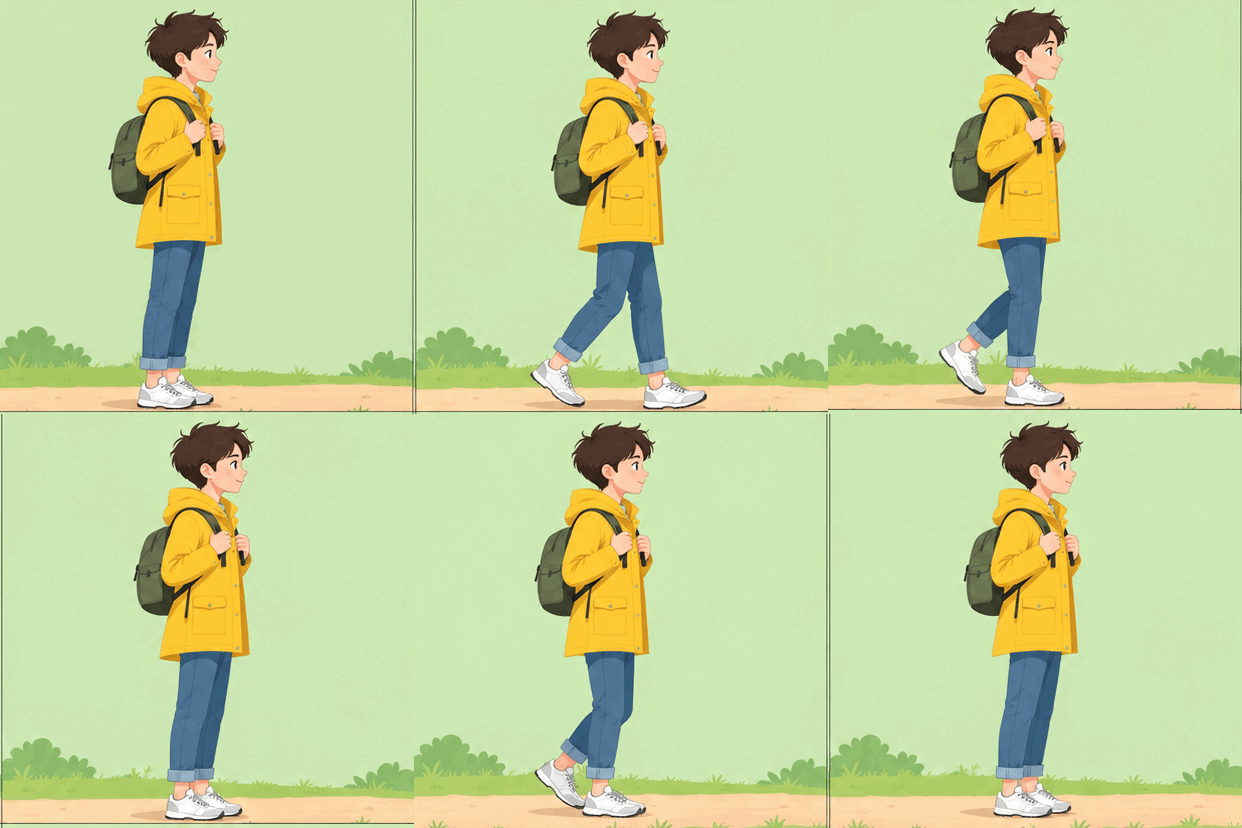 GIF
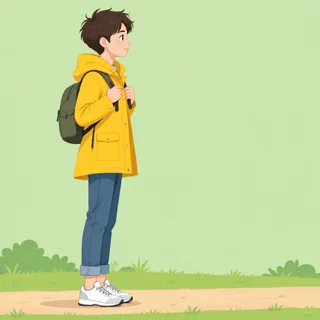
Real result, not retouched
Walking bounce · Made with this tool from prompt 01 below.
At a glance
A reverse GIF loops an action forward and then back, so the motion returns to its starting pose instead of jumping. It suits short reactions, product swings and walking cycles that need a clean repeat. The AI draws each pass from one reference frame and returns a downloadable GIF.
- Input
- One reference frame plus a prompt
- Output
- Animated GIF loop
- Model
- GPT Image 2.6 Flare
- Cost
- Your Felo quota per run
How to reverse a GIF with AI
Add one reference frame, describe the forward-and-back motion, then generate and save the looping GIF.
 1
Add a reference frame
Choose one clear frame that shows the pose the loop should return to.
 2
Describe the motion and the return
Say what moves, how far, and that it comes back along the same path.
 3
Generate and download
Sign in to run GPT Image 2.6 Flare, then download the GIF and watch one full loop.
Reverse GIF prompts to try
Start from a walking, splash or hair swing prompt, then add the frame the loop should return to.
- GIF01
Walking bounce
A short walk cycle that lands back on the first step.
PromptUsing the uploaded frame as the first pose, animate a short walk cycle. The character steps forward, stops, then walks back along the same path to the exact starting pose. The loop plays forward and then back over about two seconds, with the same clothes, hair and background in every frame.
 GIF
 02
Splash rewind
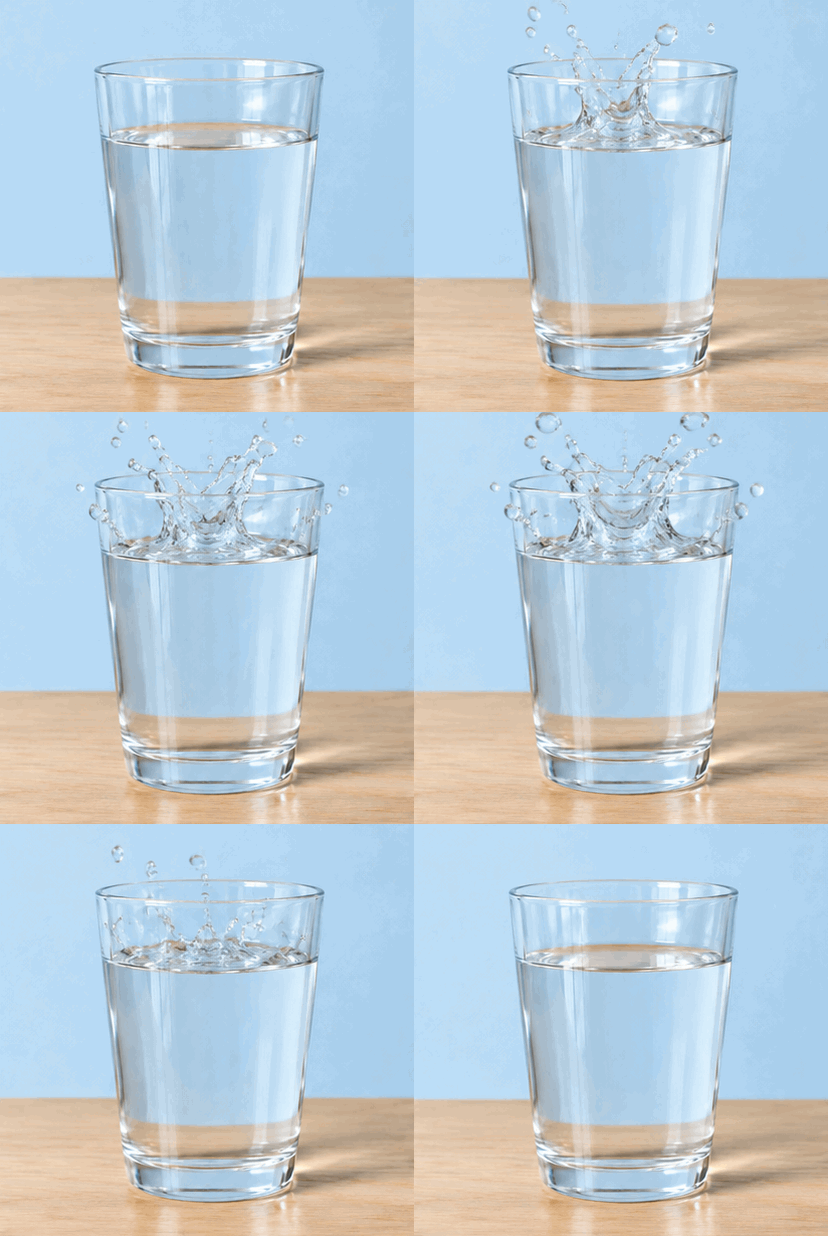
Water rises, hangs for a moment, then falls back into the glass.
PromptUsing the uploaded frame as the reference, animate a splash of water rising from a glass. Hold for a moment at the top, then reverse back into the glass. Keep the glass, the table and the lighting unchanged, and end on the exact starting frame so the loop repeats cleanly.
 GIF
 03
Hair swing
Hair whips to one side and settles back into place.
PromptUsing the uploaded portrait as the reference frame, animate the hair swinging to one side and returning to its original position. Keep the face, expression and framing unchanged, and make the return pass follow the forward pass so the GIF loops without a jump.
Best uses for a reverse GIF
Short loops suit reactions, product motion and any clip that should return to rest.
Chat reactions
A nod, a double take or a hair flip repeats in a group chat without a visible cut.
Product motion
A product photo swings or rocks and returns to rest, which reads as a looping display.
Looping post backgrounds
A subtle walking or waving loop repeats behind text on a social post or story.
Felo vs. a classic GIF editor
A classic editor rearranges frames you already have. Felo draws new frames from what you describe.
- Starting point
- Felo: One sentence, plus a photo or GIF when the tool asks for one
- Classic GIF editor: A video clip or a folder of frames
- Making the motion
- Felo: The model draws each frame from your description
- Classic GIF editor: You trim, crop and time frames by hand
- Changing the style
- Felo: Rewrite the prompt: pixel art, clay, line art or photo
- Classic GIF editor: Filters on the footage you already have
- Words in the loop
- Felo: Name the words in the prompt, then check spelling at full size
- Classic GIF editor: A typed overlay placed on top of the frames
- Setup
- Felo: Runs in the browser after sign-in
- Classic GIF editor: Often a desktop or phone app to install
Reverse an existing GIF exactly
Add an existing GIF to the workspace to reverse its frames exactly, with the original frame timing kept.
How to check a reverse GIF before you post it
Watch two full loops, then check the seam, the subject and the file size.
- 1
The loop seam
The last frame should match the first. A visible pop means the return did not land on the starting pose.
- 2
Identity drift
Faces, logos and patterns are drawn again on the return pass, so they can shift. Keep the motion small.
- 3
Text in the frame
Small words are redrawn and may come out blurry or misspelled. Keep text still or out of the moving area.
- 4
File size and format
GIF output has no audio and a 256-color palette. Compare the download with the upload limit of the app you use.
Post it wherever GIFs play
A GIF needs no player or plug-in, so one file works in chat, docs and email.
- Discord
- Slack
- Telegram
- X
- Notion
- Google Slides
- Gmail
- iMessage
Free to start: credits and loop GIF limits
Writing and previewing a prompt costs nothing; each run that generates the GIF uses your Felo quota.
Free to start
Open the composer, add a frame and write a prompt at no cost.
What uses quota
Each generated GIF is a new run on your Felo account, including retries.
File and format limits
Output is GIF only, with no audio and 256 colors per frame. Long loops take longer to generate.
Reverse GIF questions and answers
How to reverse GIF animation with AI?
Add one reference frame, describe the forward-and-back motion, then generate the loop and download the GIF. The model draws the return pass from that frame.
Does AI reverse my existing GIF exactly?
No. The AI draws a new loop from one frame, so poses and details can differ. For an exact frame reversal, use the browser editor.
Can I upload my own GIF?
Yes. The browser editor decodes the file and reverses it frame by frame with its original timing. The AI path starts from a single reference frame instead.
Can I control the timing of the loop?
You describe the pace in the prompt, and the model decides the timing in between. For exact frame delays, use the manual workspace.
Is it free?
Writing a prompt costs nothing; each generation uses your Felo quota. The local reversal runs in the browser without using quota.
Which file do I get?
A GIF with a 256-color palette and no audio. Check that the first and last frames match before posting.
Every Felo GIF tool
All 12 tools run in your browser with the same prompt box. Pick the one that matches what you start with.
 AI GIF GeneratorTurn one written moment into a short looping GIF with GPT Image 2.6 Flare.
 AI Image to GIFTurn one still photo into a short looping GIF by describing a single movement.
 Images to GIFTurn still photos into a looping GIF with AI from a reference image, or assemble exact frames yourself.
 GIF Meme MakerDescribe a reaction and get a looping meme GIF for chat, with exact captions when every word has to be right.
 Animated Text GIF GeneratorDescribe your words and motion and get a looping animated text GIF for titles, greetings and countdowns.
 Animated Sticker MakerMake an animated sticker GIF from a character, pet or photo, then send the loop in chat.
 Discord GIF MakerMake a Discord GIF for chat, a custom emoji or an avatar, then check it against the current upload limit.
 AI Logo GIF GeneratorGive an existing logo a short GIF animation with GPT Image 2.6 Flare.
 AI Pixel GIF GeneratorTurn one pixel character into an idle, walk or attack animation loop, then download the GIF as a preview.
 GIF Background RemoverGive a GIF a clean cut-out background from one reference frame.
 GIF UpscalerUpscale a small or blurry GIF with an AI redraw that adds detail at a larger size.
Make your reverse GIF
Add one frame, describe the round trip and generate a loop that closes cleanly.
Start generating