AI Images to GIF
Images to GIF: turn your still images into an AI-animated loop
Upload one or more stills, describe the loop you want, and get a GIF without a camera or editing software. Good for product angles, tutorial steps and art progress.
- Free to try
- One reference image is enough
- GIF output
Sign in to generate: the request continues on Felo with GPT Image 2.6 Flare and GIF output already selected. Generation uses your account credits.
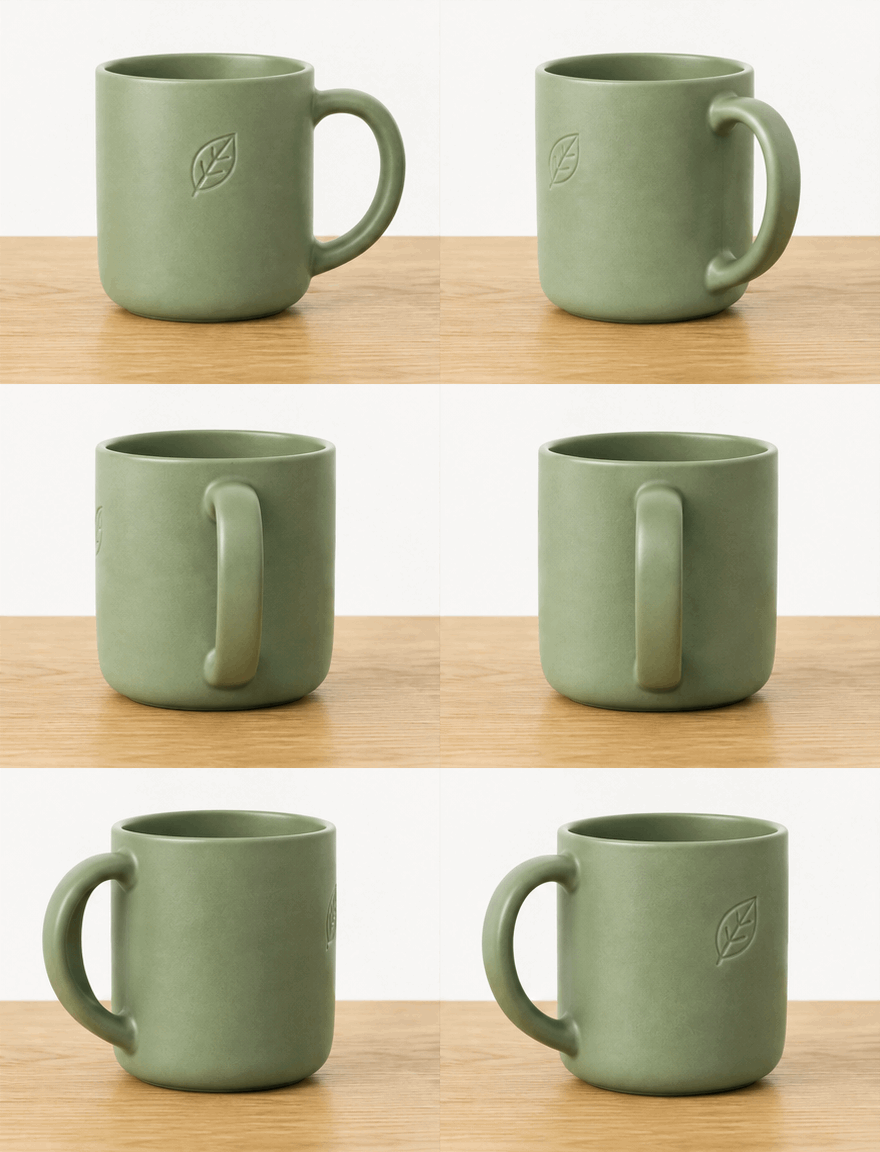 GIF
Real result, not retouched
Product turntable · Made with this tool from prompt 01 below.
At a glance
An images to GIF tool turns a set of still pictures into one looping animation. AI can build the motion from a reference still. An exact sequence can be assembled with per-frame timing when the frames must stay as they are.
- Input
- At least one reference image
- Output
- A looping GIF from your stills
- Model
- GPT Image 2.6 Flare
- Cost
- Free to try; credits after sign-in
How to turn images into a GIF
Upload a reference still, describe the movement, then download the generated loop.
 1
Add a reference still
Upload one clear image of the subject; a second angle helps. The model uses it as the frame everything is drawn around.
 2
Describe the loop
Say what moves, how far, and how it returns to the start. One motion per prompt gives a cleaner loop.
 3
Generate and download
Sign in to run GPT Image 2.6 Flare with GIF output selected. Download the finished file once the seam and edges look right.
Images to GIF prompts you can use
Each preset fills the prompt box; add the still it should animate.
- GIF01
Product turntable
One product still becomes a slow rotation that ends at the starting angle.
PromptUse the uploaded image as the reference frame. Animate the product in a slow, even turntable rotation that returns to the starting angle, about 3 seconds per loop. Keep the background, lighting, label text and proportions unchanged, and close the loop on the starting angle.
 GIF
 02
Sketch to artwork
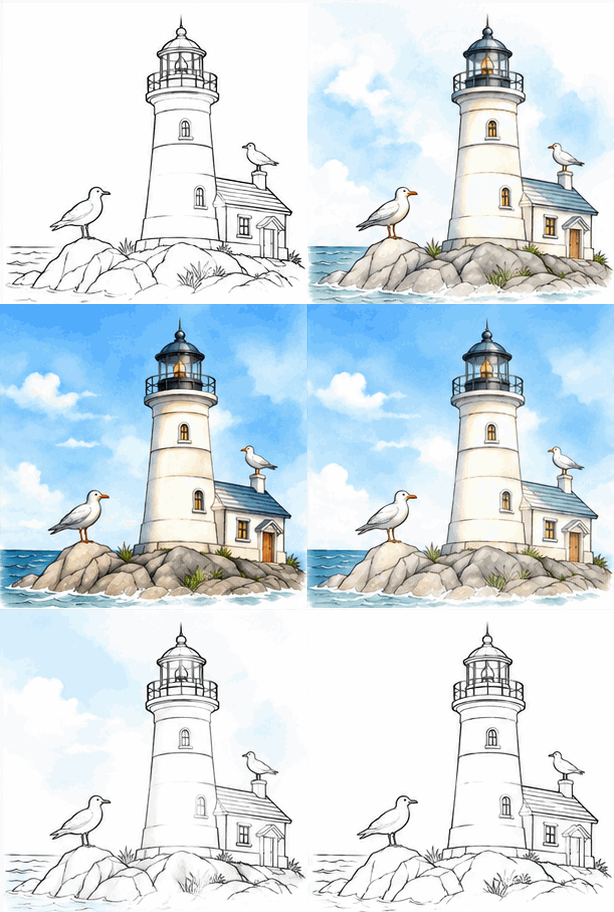
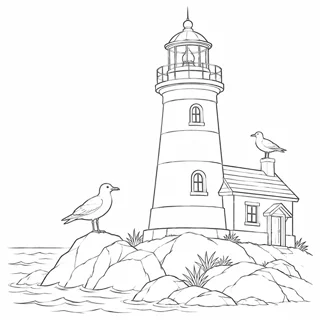
Two stills become a short reveal from line art to the finished piece.
PromptUse the uploaded images as reference frames: the first is the line sketch and the second is the finished colour artwork. Animate a hand-drawn reveal from the sketch to the final image, hold the finished frame briefly, then return to the sketch so the loop repeats. Keep the same canvas and do not add new objects.
 GIF
 03
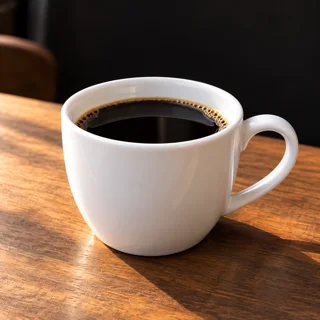
Steam and smoke drift
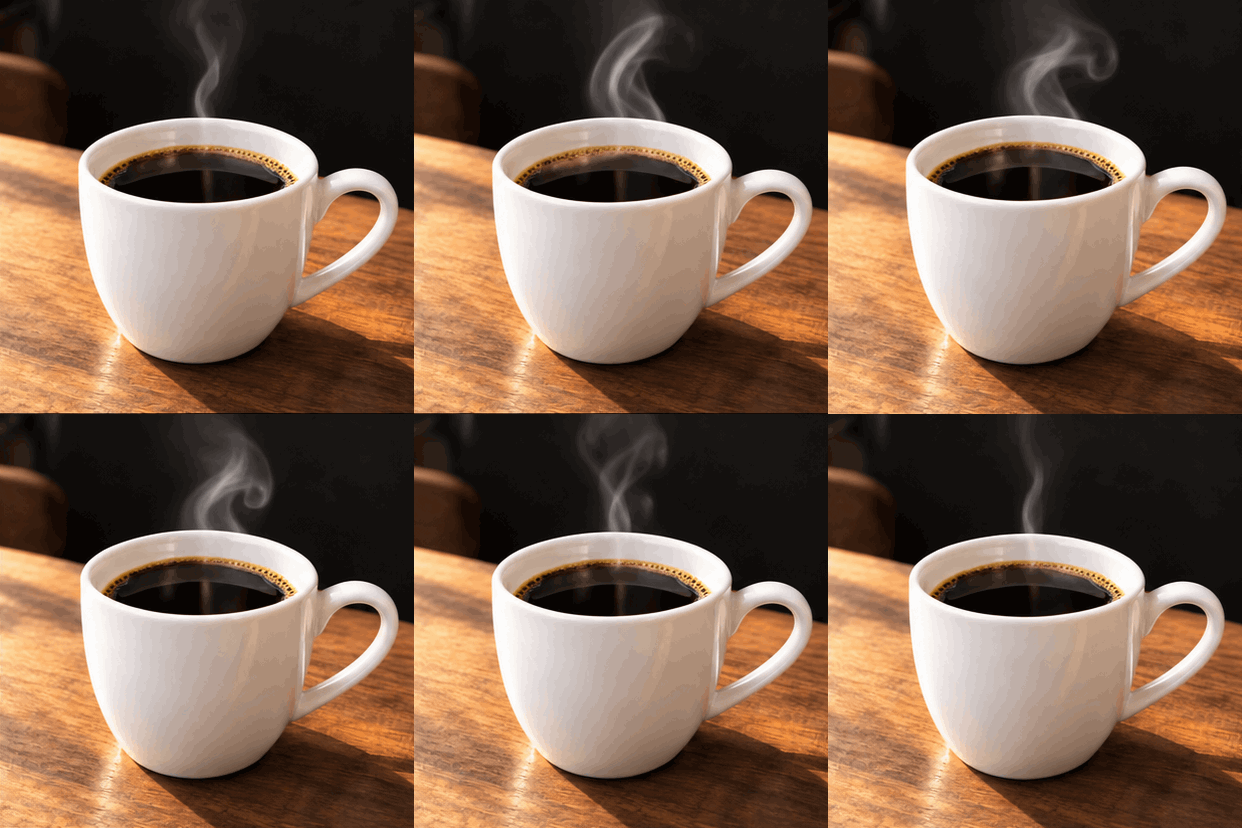
A photo of a hot drink or a candle gains slow rising steam.
PromptUse the uploaded photo as the reference frame. Add slow, thin steam rising from the cup and drifting slightly to one side. Let it fold back into the same shape so the loop is continuous. Keep the cup, table, shadows and any visible text unchanged.
Good uses for an image-to-GIF loop
These are the sequences people already have as stills.
Product pages
Turn one clean product shot into a slow rotation loop for a listing or an ad. Keep the label and background steady.
How-to steps
A before-and-after pair becomes a short reveal that shows the change. One change per loop is enough.
Artwork and process
Show a sketch turning into the finished piece. Hold the final frame briefly so viewers register the result.
Felo vs. a classic GIF editor
A classic editor rearranges frames you already have. Felo draws new frames from what you describe.
- Starting point
- Felo: One sentence, plus a photo or GIF when the tool asks for one
- Classic GIF editor: A video clip or a folder of frames
- Making the motion
- Felo: The model draws each frame from your description
- Classic GIF editor: You trim, crop and time frames by hand
- Changing the style
- Felo: Rewrite the prompt: pixel art, clay, line art or photo
- Classic GIF editor: Filters on the footage you already have
- Words in the loop
- Felo: Name the words in the prompt, then check spelling at full size
- Classic GIF editor: A typed overlay placed on top of the frames
- Setup
- Felo: Runs in the browser after sign-in
- Classic GIF editor: Often a desktop or phone app to install
Assemble stills into a GIF in the browser
For exact frame order and per-frame timing, the assembler turns your own still images into a GIF without a model.
Images to GIF checks before you publish
Check the loop seam, the edges, any text and the file size before the loop ships.
- 1
Loop seam
The last frame should flow into the first. A small pause at the join is the usual giveaway.
- 2
Edges and background
Look at the product outline, shadows and background lines. Model-drawn frames can wobble along those edges.
- 3
Text in frame
Logos and labels are redrawn each frame and often drift. Keep them still or check every frame.
- 4
Size and palette
GIF caps at 256 colours, so photo gradients may band. Longer loops also mean larger files.
Post it wherever GIFs play
A GIF needs no player or plug-in, so one file works in chat, docs and email.
- Discord
- Slack
- Telegram
- X
- Notion
- Google Slides
- Gmail
- iMessage
Free to start: credits and GIF limits
The prompt box is free to open, generation uses credits, and the format adds a few limits.
Free to start
Opening the prompt box and the frame assembler costs nothing. You can attach a reference image and write a prompt before signing in.
Generation credits
AI generation runs on Felo and uses your account allowance. Each attempt, including one you discard, is a run.
GIF file limits
Output has 256 colours per frame and no audio. The browser assembler takes 2 to 160 still images, each up to 25 MB.
Images to GIF FAQ
How do I turn images to GIF with AI?
Add at least one reference image, describe the motion, and sign in to generate a looping GIF. GPT Image 2.6 Flare and GIF output are selected for you.
How many images can I use?
AI generation works from one reference image and accepts extra angles. The browser assembler takes 2 to 160 still images.
Can AI animate a still image?
AI draws new frames around your reference image, so it can invent motion. It does not play your files as a slideshow, and the result may differ from the original.
Can I control the timing of each frame?
Only in the browser assembler, which sets a delay from 20 ms to 10,000 ms per frame. AI generation paces the loop from the prompt.
Will the GIF look exactly like my photos?
Not exactly. The model redraws the scene, so textures, edges and small text can change between runs. For exact frames, assemble the files in the browser.
Is images to GIF free?
The prompt box and the browser assembler are free to open. AI generation on Felo uses your account credits, and each attempt counts.
Every Felo GIF tool
All 12 tools run in your browser with the same prompt box. Pick the one that matches what you start with.
 AI GIF GeneratorTurn one written moment into a short looping GIF with GPT Image 2.6 Flare.
 AI Image to GIFTurn one still photo into a short looping GIF by describing a single movement.
 GIF Meme MakerDescribe a reaction and get a looping meme GIF for chat, with exact captions when every word has to be right.
 Animated Text GIF GeneratorDescribe your words and motion and get a looping animated text GIF for titles, greetings and countdowns.
 Animated Sticker MakerMake an animated sticker GIF from a character, pet or photo, then send the loop in chat.
 Discord GIF MakerMake a Discord GIF for chat, a custom emoji or an avatar, then check it against the current upload limit.
 AI Logo GIF GeneratorGive an existing logo a short GIF animation with GPT Image 2.6 Flare.
 AI Pixel GIF GeneratorTurn one pixel character into an idle, walk or attack animation loop, then download the GIF as a preview.
 Reverse GIFTurn one reference frame into a GIF loop that plays forward and back.
 GIF Background RemoverGive a GIF a clean cut-out background from one reference frame.
 GIF UpscalerUpscale a small or blurry GIF with an AI redraw that adds detail at a larger size.
Turn your images into a GIF
Upload a reference still, describe the motion, and generate a looping GIF you can post.
Generate an image GIF