AI Pixel GIF Generator
AI Pixel Art Animation GIF Generator: make one character loop
Describe one pixel character and one action, and get an idle, walk or attack GIF for a devlog, itch page or teaser post. One character, one clean loop.
- Free to start
- One sentence is enough
- Pixel art GIF output
Free to start with the credits included in a Felo account; sign in to generate and download.
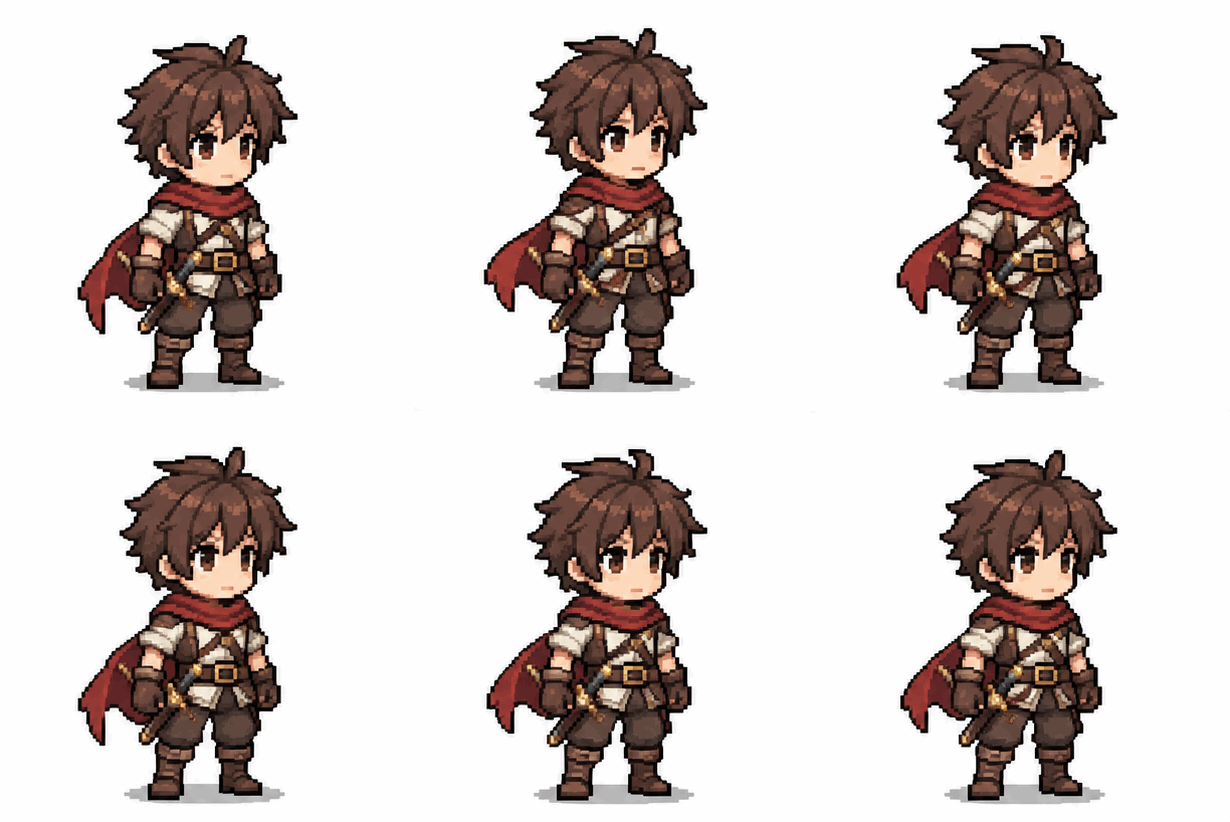 GIF
Real result, not retouched
Idle breathing loop · Made with this tool from prompt 01 below.
At a glance
AI pixel art animation turns a written description into a short looping GIF of a pixel character. It suits indie developers and pixel artists who want to preview an idle, walk or attack move before drawing frames by hand. The result is a preview loop, not a game-ready sprite sheet.
- Input
- Prompt or reference sprite
- Output
- Looping pixel art GIF
- Model
- GPT Image 2.6 Flare
- Cost
- Free credits, then paid plans
How to make a pixel art animation GIF
Write one character and one action, then generate a short GIF loop. Keep the camera still so the move stays readable.
 1
Describe the character and the move
Name the character, the view and a single action such as idle, walk or attack. One action per GIF keeps the result clean.
 2
Generate the loop
Press send and GPT Image 2.6 Flare returns a short GIF. If the character changes too much, retry once with a simpler move.
 3
Download and check the frames
Save the GIF and step through it at full size. Keep the loop when the outfit, pixel edges and start pose hold.
Pixel art animation ideas: idle, walk and attack
Idle, walk and attack cover most of what a small character needs. Tap a card to load the prompt, then swap in your own character.
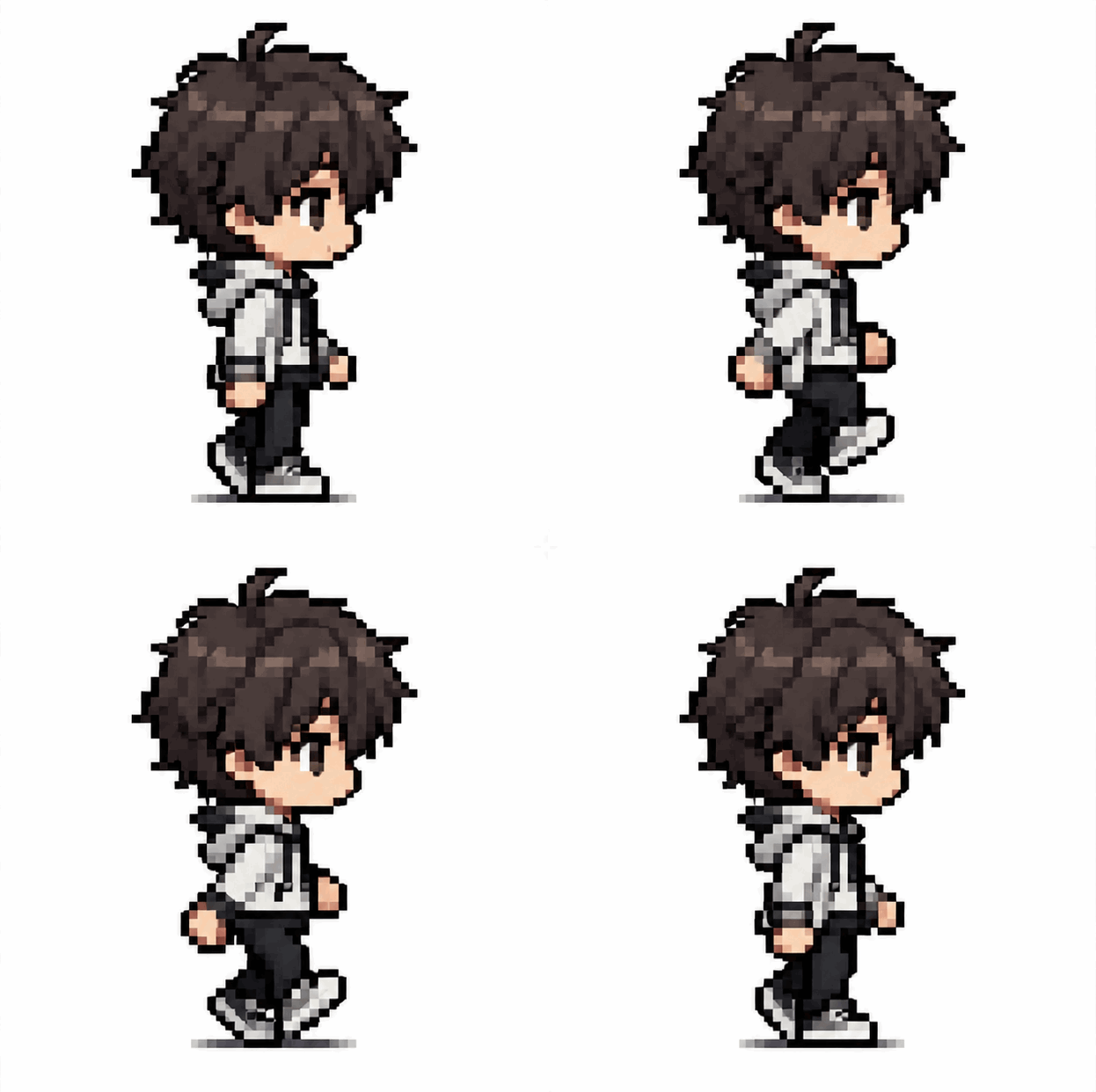
- GIF01
Idle breathing loop
A standing sprite that breathes without leaving its pose.
PromptPixel art animation of a small adventurer standing in place, breathing slowly, arms relaxed, fixed camera, plain background, loops back to the first frame, no text.
 GIF02
Walk cycle in place
A two-step walk that returns to the first pose.
PromptPixel art animation of a small character walking in place, two-step cycle, fixed side camera, plain background, clean pixel edges, loops back to the first frame, no text.
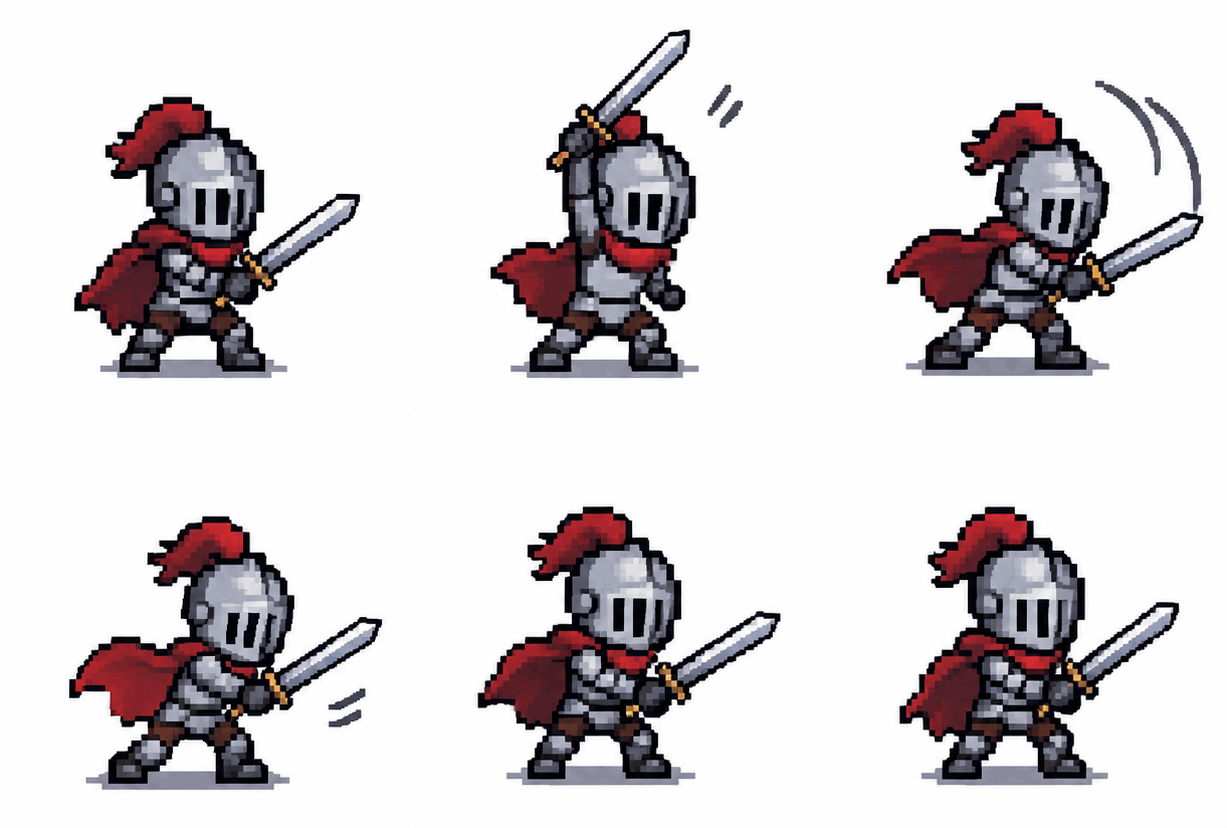 GIF03
Attack swing
One sword swing that ends at the ready pose.
PromptPixel art animation of a small knight swinging a sword once, then returning to the ready pose, fixed camera, plain background, limited palette, loops back to the first frame, no text.
Best places to use a pixel art animation GIF
A loop works as a preview or a reference before the final art exists. Pick the place first, then match the size.
Devlog clips
Indie developers can show a walk idea in a devlog post before drawing frames by hand. Readers see the motion while the art is still a sketch.
itch.io page previews
A store page can show the character moving while the build is a prototype. Swap the loop for real sprites when the art is done.
Social teasers
A short attack loop suits a game account or a pixel art feed. Keep it small enough to autoplay on a phone.
Felo vs. a classic GIF editor
A classic editor rearranges frames you already have. Felo draws new frames from what you describe.
- Starting point
- Felo: One sentence, plus a photo or GIF when the tool asks for one
- Classic GIF editor: A video clip or a folder of frames
- Making the motion
- Felo: The model draws each frame from your description
- Classic GIF editor: You trim, crop and time frames by hand
- Changing the style
- Felo: Rewrite the prompt: pixel art, clay, line art or photo
- Classic GIF editor: Filters on the footage you already have
- Words in the loop
- Felo: Name the words in the prompt, then check spelling at full size
- Classic GIF editor: A typed overlay placed on top of the frames
- Setup
- Felo: Runs in the browser after sign-in
- Classic GIF editor: Often a desktop or phone app to install
How to check a pixel art animation before publishing
Check the frames, the pixel edges and the loop before the GIF goes public. A minute of review saves a repost.
- 1
Frame by frame
Step through the GIF once. Outfit, proportions and facing direction should stay the same from the first frame to the last.
- 2
Pixel edges
Zoom to one-to-one. Edges should land on whole pixels; soft gradients and half-pixel steps break the pixel look.
- 3
Loop join
Watch the last frame become the first. A visible jump means the move runs too long, so shorten it instead of adding frames.
- 4
Size at the destination
Check the file size and the display size before posting. A loop that looks sharp at full size can turn muddy in a feed.
Post it wherever GIFs play
A GIF needs no player or plug-in, so one file works in chat, docs and email.
- Discord
- Slack
- Telegram
- X
- Notion
- Google Slides
- Gmail
- iMessage
Free to make: credits and GIF limits
Yes, starts free: a Felo account includes free credits, and paid plans add more.
Free to start
Every Felo account includes free credits, so the first pixel loop costs nothing. No credit card is needed to begin.
Credits per generation
Each GIF generation uses credits, and paid plans raise the allowance. Retries count too, so write one clear action first.
GIF format limits
A GIF holds 256 colours per frame and no audio. The loop stays short, and the file grows with frames and canvas size.
AI pixel art animation questions
How do I make a pixel art animation?
Write a short description of one character and one action, then generate the loop. Keep the camera fixed and check the frames before you use the result.
Can I animate an existing pixel sprite?
Yes, if you have the right to use the image. Add a reference picture and describe the move; the model redraws the character, so compare details between frames.
Is an AI pixel art animation game ready?
No, the output is a looping GIF. A game needs a sprite sheet with fixed cells and an alpha channel, so use the loop as a preview and prepare the frames separately.
How many frames does the GIF have?
The default GIF preset is short: nine frames at about 200 ms each. Keep that length while you review the character, because fewer frames are easier to check.
Will the pixel art GIF be transparent?
Not reliably. GIF supports only hard transparency, and the model decides what it draws, so expect to clean up the background afterwards.
Why does the character change between frames?
The model redraws the character for every frame, so the outfit and proportions drift. Reusing one description and one reference helps, and the first and last frame are the ones to compare.
Every Felo GIF tool
All 12 tools run in your browser with the same prompt box. Pick the one that matches what you start with.
 AI GIF GeneratorTurn one written moment into a short looping GIF with GPT Image 2.6 Flare.
 AI Image to GIFTurn one still photo into a short looping GIF by describing a single movement.
 Images to GIFTurn still photos into a looping GIF with AI from a reference image, or assemble exact frames yourself.
 GIF Meme MakerDescribe a reaction and get a looping meme GIF for chat, with exact captions when every word has to be right.
 Animated Text GIF GeneratorDescribe your words and motion and get a looping animated text GIF for titles, greetings and countdowns.
 Animated Sticker MakerMake an animated sticker GIF from a character, pet or photo, then send the loop in chat.
 Discord GIF MakerMake a Discord GIF for chat, a custom emoji or an avatar, then check it against the current upload limit.
 AI Logo GIF GeneratorGive an existing logo a short GIF animation with GPT Image 2.6 Flare.
 Reverse GIFTurn one reference frame into a GIF loop that plays forward and back.
 GIF Background RemoverGive a GIF a clean cut-out background from one reference frame.
 GIF UpscalerUpscale a small or blurry GIF with an AI redraw that adds detail at a larger size.
Make your first pixel art animation GIF
Write one character and one action, then download a loop that plays cleanly at full size.
Create a pixel GIF