AI GIF upscaler
GIF Upscaler: make a small or blurry GIF bigger and clearer
Make a small or blurry loop larger and cleaner, so it holds up on slides, product pages and social feeds. The motion keeps its original rhythm.
- Free to start
- One reference image is enough
- GIF output
After sign-in, generation uses your Felo quota. A clean reference frame gives the sharpest result.
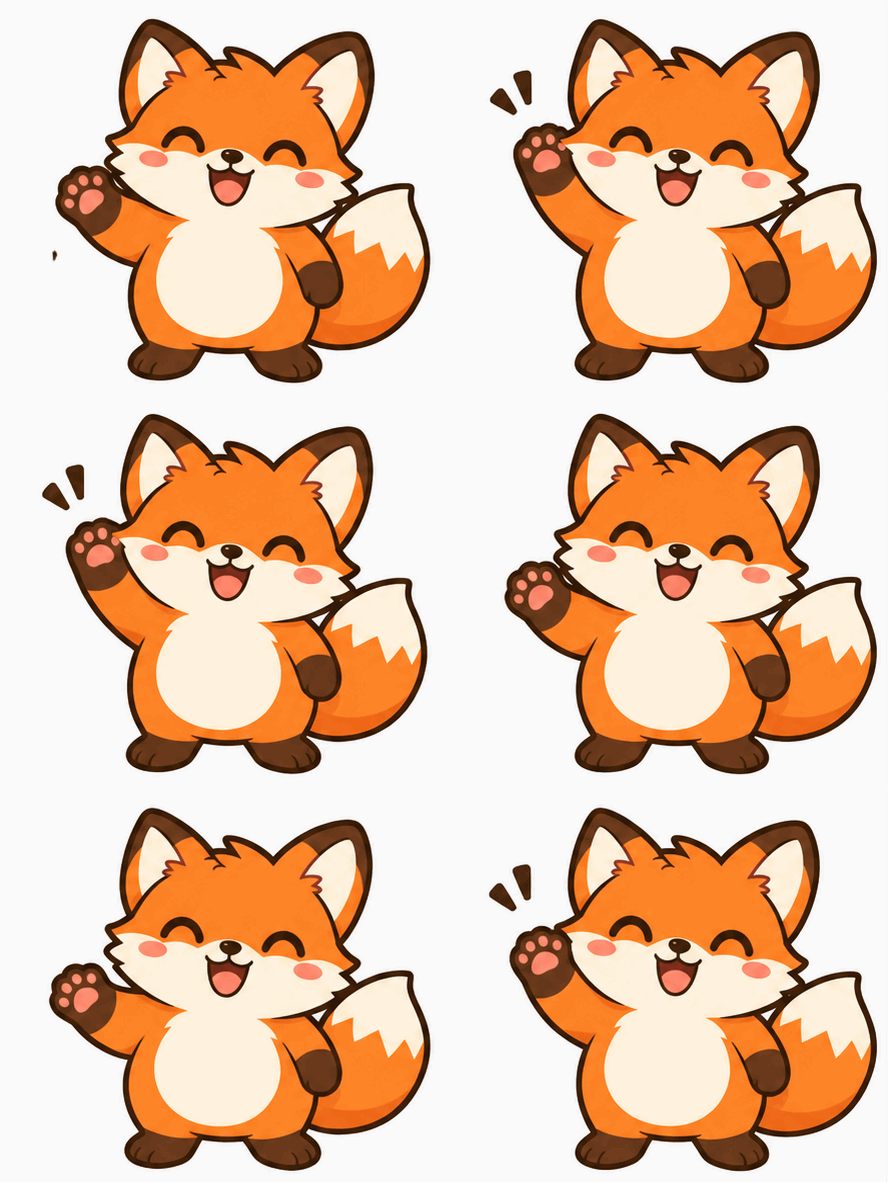 GIF

Real result, not retouched
2x clean redraw · Made with this tool from prompt 01 below.
At a glance
A GIF upscaler makes a small or soft loop larger with cleaner edges and more visible detail. The AI redraws the animation at a bigger size from one reference frame, which adds detail the original file never had. The manual workspace resizes an existing GIF exactly, without inventing pixels.
- Input
- One reference frame plus a prompt
- Output
- A larger GIF loop
- Model
- GPT Image 2.6 Flare
- Cost
- Your Felo quota per run
How to upscale a GIF with AI
Load a clear frame, describe how large and how sharp the loop should look, then generate the larger GIF.
 1
Add a reference frame
Pick the clearest frame at the size you want to improve.
 2
Describe the size and the detail
Say how large the loop should look, and which details should stay sharp.
 3
Generate and compare
Sign in to run the model, download the GIF and compare it with the original at the same display size.
GIF upscaler prompts to try
Try a 2× redraw, line-art or pixel prompt; each one asks for the size and the detail level.
- GIF01
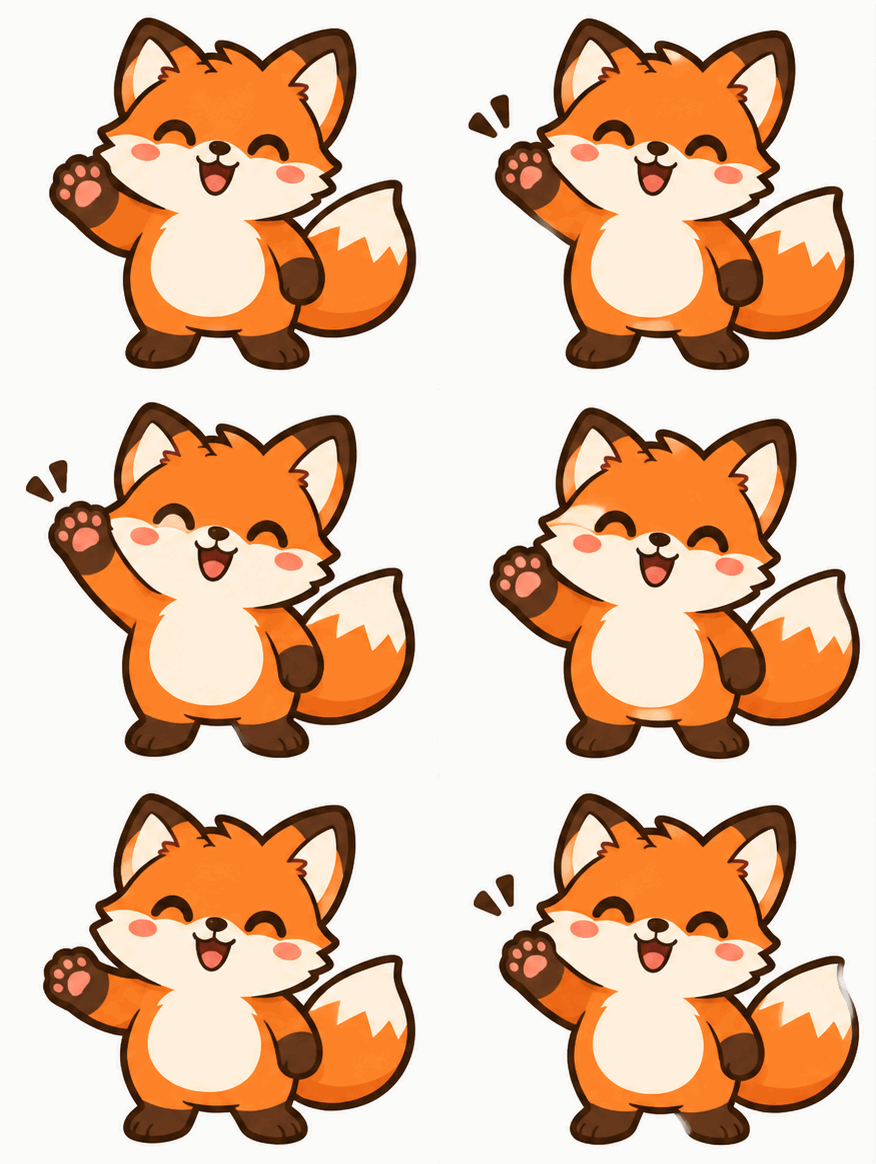
2x clean redraw
Twice the size with sharper edges and the same poses.
PromptUsing the uploaded frame as the reference, redraw the animation at twice the size with clean, sharp edges and the same silhouette in every frame. Keep colors, proportions and camera angle identical, and do not add or remove objects.
 GIF
 02
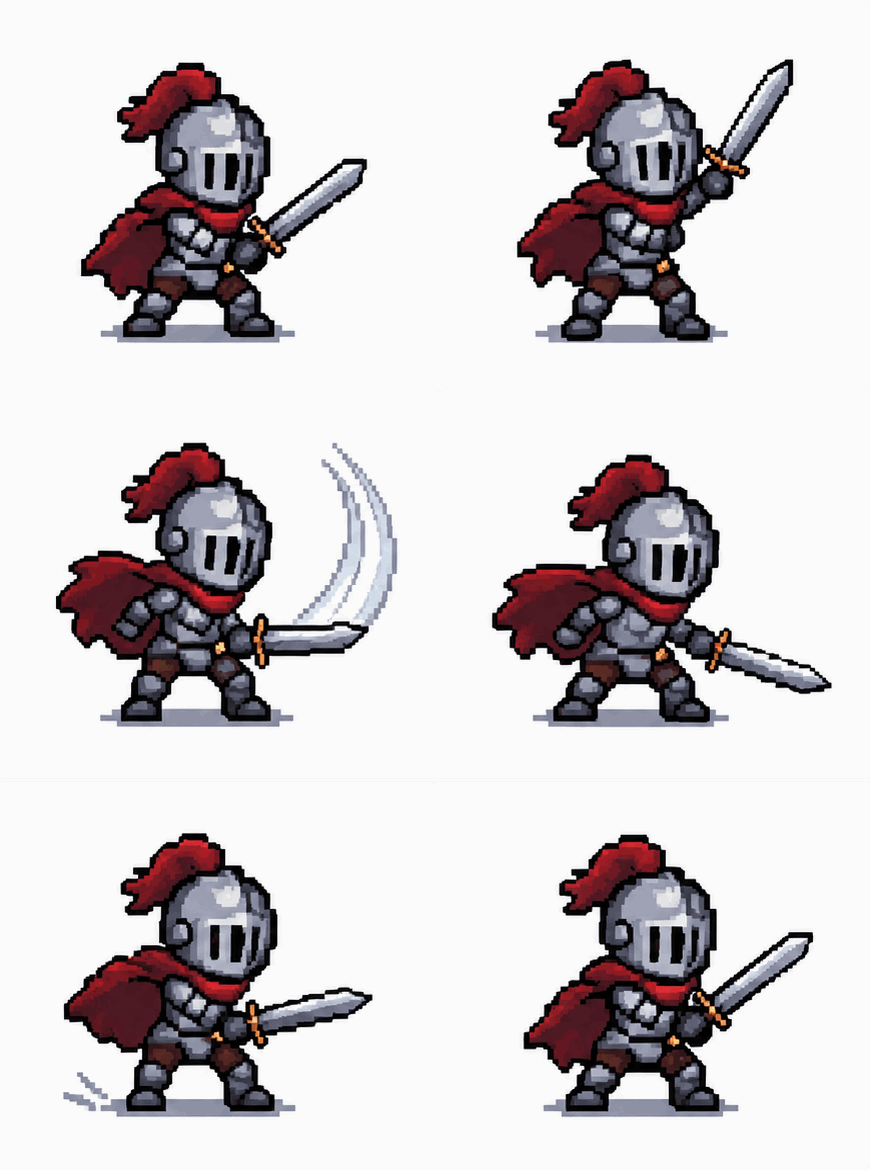
Line-art sticker
A soft sketch becomes a crisp sticker with a readable outline.
PromptUsing the uploaded frame as the reference, redraw the loop as a clean line-art sticker at a larger size. Use even stroke weight, solid fills and a clear outline around the subject. Keep the original motion and pose, and remove paper texture and background noise.
 GIF
 03
Pixel-style upscale
Small pixel art enlarged with crisp blocks instead of blur.
PromptUsing the uploaded frame as the reference, upscale the pixel art by a clean integer factor so every block stays sharp and square. Keep the palette, sprite shape and animation timing unchanged, and do not smooth the edges into blur. If the source is a single frame, animate one short action and return to the first pose so the GIF loops.
GIF upscaler use cases
Use a larger loop on projector screens, product pages and social posts that stretch a small file.
Projector and slide decks
A small reaction GIF on a big screen needs more pixels to stay readable.
Product and landing pages
A loop shown at full column width looks soft when it was made at 320 pixels wide.
Social reposts
A larger master version survives the compression that chat apps and feeds apply.
Felo vs. a classic GIF editor
A classic editor rearranges frames you already have. Felo draws new frames from what you describe.
- Starting point
- Felo: One sentence, plus a photo or GIF when the tool asks for one
- Classic GIF editor: A video clip or a folder of frames
- Making the motion
- Felo: The model draws each frame from your description
- Classic GIF editor: You trim, crop and time frames by hand
- Changing the style
- Felo: Rewrite the prompt: pixel art, clay, line art or photo
- Classic GIF editor: Filters on the footage you already have
- Words in the loop
- Felo: Name the words in the prompt, then check spelling at full size
- Classic GIF editor: A typed overlay placed on top of the frames
- Setup
- Felo: Runs in the browser after sign-in
- Classic GIF editor: Often a desktop or phone app to install
Resize an existing GIF exactly
The manual workspace resizes an existing GIF frame by frame in the browser and keeps its original timing.
How to check an upscaled GIF
Compare the result with the original at the same display size, then check faces, text and edges.
- 1
Detail that was invented
An AI redraw adds pixels, not recovered data. Check faces, logos and text frame by frame for changed detail.
- 2
Frames and motion
The loop should keep the same poses and timing. A dropped frame shows up as a stutter.
- 3
Edges and transparency
Soft edges can gain halos. Check the result on a light and a dark background.
- 4
File size
Doubling width and height multiplies the pixel count, and the GIF grows with it. Check the upload limit of the app you use.
Post it wherever GIFs play
A GIF needs no player or plug-in, so one file works in chat, docs and email.
- Discord
- Slack
- Telegram
- X
- Notion
- Google Slides
- Gmail
- iMessage
Free to start: credits and upscale limits
You can draft a prompt at no cost; each generated upscale counts against your Felo quota.
Free to start
Draft the prompt and pick your frame for free; nothing runs until you send it.
What uses quota
Every generated loop is a new run on your Felo account, including retries.
File and format limits
Output is a GIF with 256 colors and no audio. Large frames take longer to generate.
GIF upscaler questions and answers
How does a GIF upscaler work?
Add one reference frame, describe the larger version you want, then generate and download the GIF. The AI redraws the loop at a bigger size.
Does AI upscaling keep my frames exactly?
No. The AI redraws the loop from one frame, so poses and details can shift between passes. The browser workspace resizes the existing file exactly.
Will the GIF look sharper?
Often yes, because the redraw creates clean edges at the new size. It cannot recover detail the original never recorded.
How much bigger can it get?
You describe the target size in the prompt and the model returns a larger GIF. Very large loops take longer and produce heavier files.
Is it free?
Drafting a prompt is free; each generation uses your Felo quota. The local resize runs in the browser without quota.
Which file do I get?
A GIF with a 256-color palette and no audio. Compare the download with the original at the same display size before publishing.
Every Felo GIF tool
All 12 tools run in your browser with the same prompt box. Pick the one that matches what you start with.
 AI GIF GeneratorTurn one written moment into a short looping GIF with GPT Image 2.6 Flare.
 AI Image to GIFTurn one still photo into a short looping GIF by describing a single movement.
 Images to GIFTurn still photos into a looping GIF with AI from a reference image, or assemble exact frames yourself.
 GIF Meme MakerDescribe a reaction and get a looping meme GIF for chat, with exact captions when every word has to be right.
 Animated Text GIF GeneratorDescribe your words and motion and get a looping animated text GIF for titles, greetings and countdowns.
 Animated Sticker MakerMake an animated sticker GIF from a character, pet or photo, then send the loop in chat.
 Discord GIF MakerMake a Discord GIF for chat, a custom emoji or an avatar, then check it against the current upload limit.
 AI Logo GIF GeneratorGive an existing logo a short GIF animation with GPT Image 2.6 Flare.
 AI Pixel GIF GeneratorTurn one pixel character into an idle, walk or attack animation loop, then download the GIF as a preview.
 Reverse GIFTurn one reference frame into a GIF loop that plays forward and back.
 GIF Background RemoverGive a GIF a clean cut-out background from one reference frame.
Make your upscaled GIF
Add one frame, describe the size and detail you want, then generate a bigger loop.
Start generating